PigCom Installation & Update
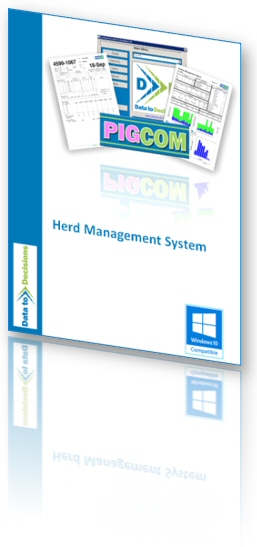
Since 2021 and the release of Windows 11, all new PCs are now 64 bit and 64 bit office is also the prevalent installation. Since PigCom is based on Microsoft Access and Microsoft SQL server, both of which have 64 bit versions, this is now the current supported version.
To keep the installer as small as possible, it will download any required components (SQL Server & MS Office) rather than being part of the installer iteslf.
The current PigCom installer will check to see if a suitable version of MS Access is installed and will use this where possible; only downloading MS Access Runtime where there is no suitable version to use.
The current version of the PigCom software no longer has to be "Run As Administrator" on newly installed PCs for increased security. However, as with all installations, the PigCom setup file must be started with Administrator permissions.
Install PigCom or Update to the latest Version
There is no longer a separate Installer and Update file. The installer downloaded from this page will act as both an installer for PCs that have never had PigCom installed and an updater for PCs with an older version of PigCom installed (at least V2.10).
This installer is also suitable for PigCom client instals where data resides on another PC or server.
64 Bit Windows
- The latest 64-Bit installation is available HERE.
The current installer can be used to update PCs which are still using the older SQL Server Version 2008 R2 (although you will need assistance in changing the SQL Server password).
For instructions on how to determine which versions of the operating system you are currently using, please visit our Support/frequently asked questions (FAQ) page HERE.
Non 64 bit Office or Non internet connected PCs
If the default installer now no longer is suitable for your PC or if your PigCom PC does not have an internet connection, then contact D2D for additional support by using the CONTACT US page.
|